

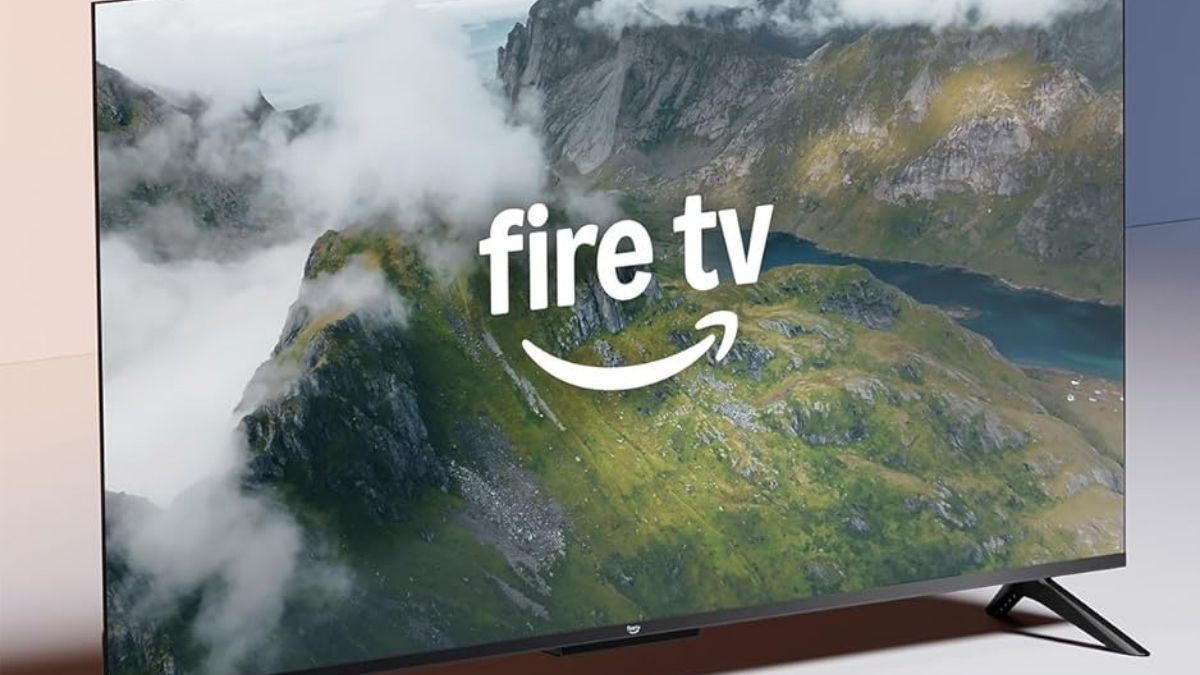
Shopping for a TV usually comes down to one question: what will you actually use every day? If your viewing is mostly streaming, live TV apps, and the occasional game night, you don’t always need flagship brightness or premium panel tech.
The Amazon Fire TV 55″ 4-Series is built around that reality. It aims to deliver a clean 4K experience, a familiar smart interface, and voice control that feels natural. It also keeps the learning curve low, which matters when multiple people in the home use the same screen.
Picture Quality Basics You’ll Notice First
You don’t need a deep calibration background to judge a TV. You mainly notice sharpness, contrast, and how well it handles typical living-room lighting.
Here’s a quick breakdown of what the core specs mean in real use:
| Feature | What you get | What it means for you |
| 4K UHD (3840 × 2160) | High pixel density | Clear detail in 4K movies, sports, and sharp UI text |
| HDR10+/HDR10/HLG | Expanded range support | Better highlight detail and richer contrast in HDR content |
| Direct LED backlight | Even panel lighting | Fewer distracting “bright corners” than some budget sets |
| 60Hz refresh rate | Standard motion handling | Fine for shows and movies, limited for high-frame-rate gaming |
From one perspective, this is the right mix for most streaming households. You get a crisp image without paying extra for premium brightness you may not need.
From another perspective, if you watch a lot of HDR movies in a bright room, you may want a brighter QLED model. The 4-Series can look less punchy in sunlight-heavy spaces.
Smart TV Experience and Alexa Control
The Fire TV interface is the center of the experience, so it’s worth thinking about what you prefer day to day. It’s app-forward, fast to navigate, and tightly connected to Amazon services.
Before you rely on voice features, it helps to know what Alexa control really changes.
What Alexa makes easier
You can search for shows, launch apps, adjust volume, and control compatible smart-home devices using the remote’s voice button. If you already use Echo speakers, the overall flow tends to feel consistent across devices.
What some people don’t love
Fire TV’s interface can feel busy. You may see more recommendations and promos than you’d get on some competing platforms, and that can be a downside if you prefer a minimal home screen.
If you want a “neutral” platform experience, a Roku TV or Google TV model may fit your taste better. If you like Amazon’s ecosystem and want fast access to Prime Video and Alexa features, Fire TV usually feels more intuitive.
Ports and Connectivity for Real Rooms
Most setups aren’t complicated, but they do grow over time. Consoles, soundbars, and streaming devices add up quickly.
You get a practical selection of connections, including HDMI with eARC for simpler audio routing. You also get Ethernet for stable streaming if Wi-Fi is unreliable.
Use cases where this matters:
- You want a soundbar with a single-cable setup through eARC
- You prefer wired internet for fewer buffering spikes
- You plan to connect multiple HDMI devices without swapping cables
This is also the point where it’s worth mentioning availability. The Amazon Fire TV 55″ 4-Series is available on Amazon, which makes it easy to compare bundles like wall mounts, soundbars, or HDMI cables in the same cart.
Gaming and Cloud Play: What’s Realistic
This TV can work well for casual gaming. It supports cloud options like Amazon Luna and Xbox Cloud Gaming, which can be convenient if you don’t want another box under the TV.
Before you buy it specifically for gaming, it helps to set expectations.
Where it works
- Casual console play where 60Hz is enough
- Party games and family co-op
- Cloud gaming when your internet is strong and stable
Where it can fall short
- Competitive play that benefits from 120Hz panels
- Players who notice motion blur more easily
- Setups where low-latency, high-refresh performance is the priority
Audio Quality and the Upgrade Question
Built-in TV speakers are rarely the main selling point, but they still matter. The 4-Series delivers clear dialogue for everyday shows, and it can fill a normal room at moderate volume.
If you watch action movies, sports, or concerts often, you’ll likely want a soundbar. The good news is that eARC support makes that upgrade straightforward.
Who It Fits Best
If you want a quick “yes or no” filter, this helps.
You’ll likely enjoy this TV if:
- You stream most of your content and want dependable 4K clarity
- You like the Fire TV layout or already use Alexa at home
- You want simple setup and easy day-to-day navigation
You may want to consider alternatives if:
- You need higher brightness for bright rooms
- You want a cleaner, less promo-heavy interface
- You’re buying mainly for high-performance gaming
A Smart Buy When You Want Simple, Not Flashy
The Amazon Fire TV 55″ 4-Series makes sense when your goal is practical performance. You get sharp 4K resolution, strong app support, and a smart platform that’s easy to live with—especially if Alexa is already part of your routine.
This item is part of Amazon Today’s Deals in the Smart TVs category, and you can explore more products within the same category to compare sizes, panel types, and smart platforms.




